Starting April 1, 2026 - Helmsmart-cloud.com will move to a new subscription based service.
All current and new devices will require self-serviced subscription registration which can be purchased weekly, monthly. or yearly.
Any current subscriptions will remain active until the term expires at which point a new subscription will be required
Any device data stored on www.helmsmart-cloud.com will still be accessible after a subscription expires.
Subscription Fees
A subscription must be purchased for each device uploading live data to the
helmsmart-cloud service
- Weekly - $4.95/week
- Monthly - $11.95/month
- Yearly - $99.95/year
Device subscriptions may be purchased directly at http://www.helmsmart-cloud.com/manage - Purchase Subscription
New User account
Before a subscription can be purchased, each device must be registered on the helmsmart-cloud service.
Multiple devices can be grouped by a common email.
Emails will no longer be used for account login.
All device IDs must be the 12 character hexadecimal value printed on each device label
To register a new device - go to http://www.helmsmart-cloud.com/manage
If you are not currently logged in - you will be prompted to sign in with your device ID or Create a account
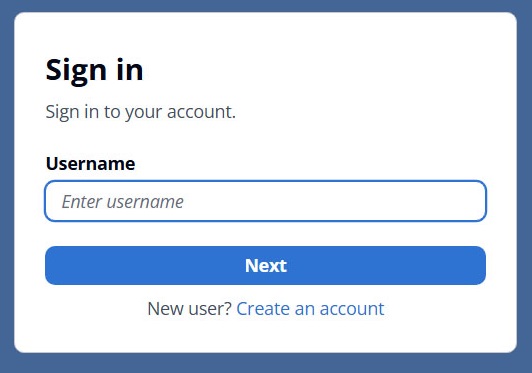
Complete the Sign Up information
Username - is your 12 character Device ID printed on the device label
Email address must be a verifiable address
Name is any 32 character label you choose
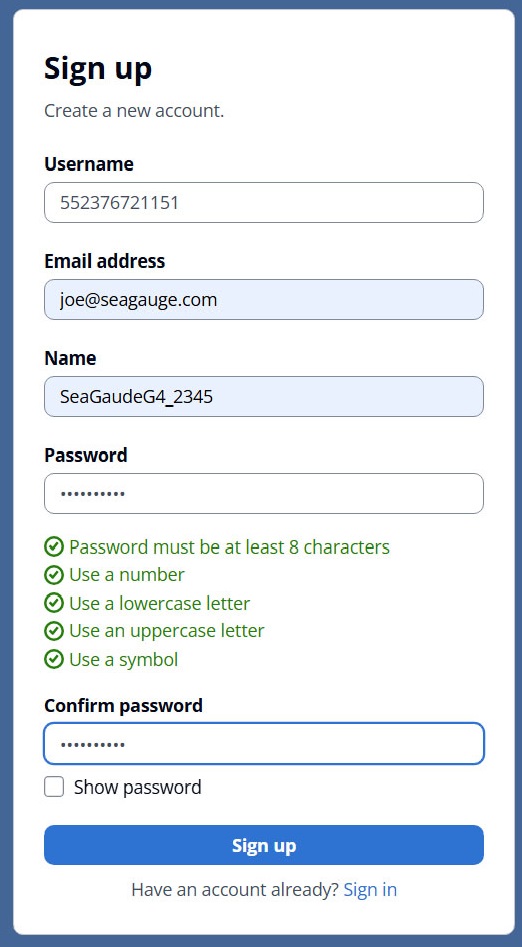
Once you complete signup, a verification email will be sent.
You must have a verifiable email account to register devices
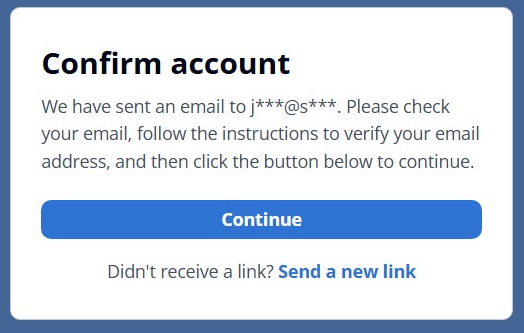
Once you receive the verification email, complete the process to enable login with the new account information.
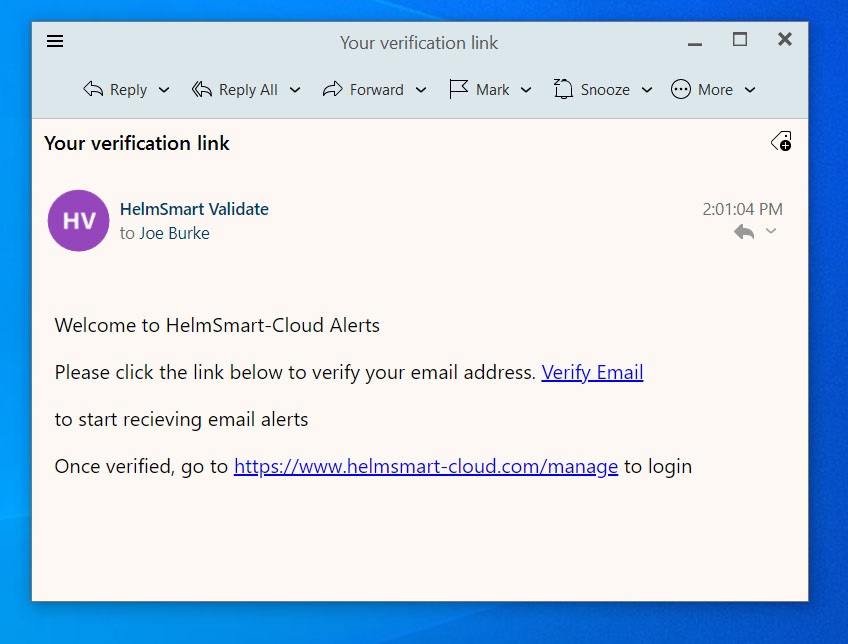
To sign an existing device - go to http://www.helmsmart-cloud.com/manage
If you are not currently logged in - you will be prompted to sign in with your device ID
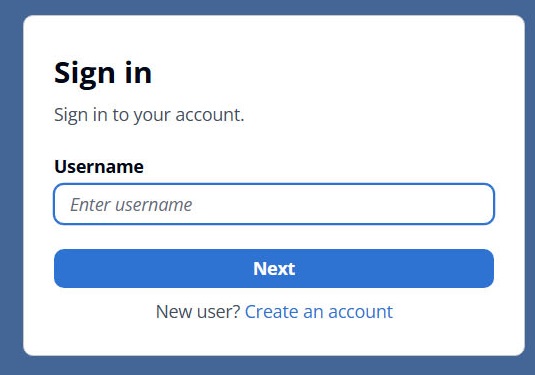
Enter the 12 character Device ID
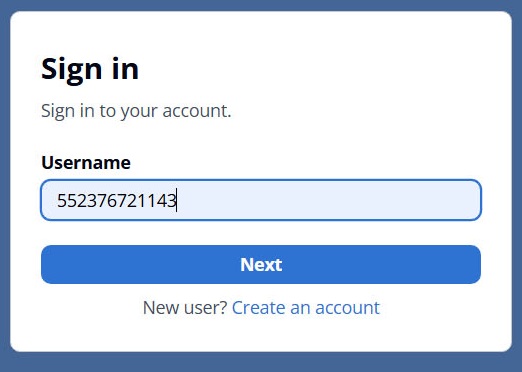
And complete the password
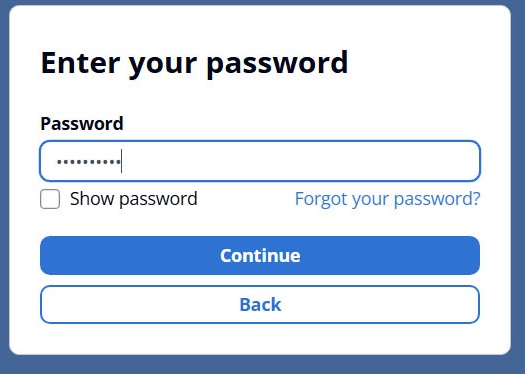
Once logged in, you will be directed to the device management console
Multiple devices may show under the same email address
The current selected device will have a blue background
Other actively posting devices will show with a green background and STATUS of ON-LINE
Other registered devices that are OFF-LINE will have a grey background
The HELMSMART:HOME link will return to the main site dashboard
Selecting the HelmSmart User banner button will log out the current device.
Current subscription detail will show for each device
You can select the DEVICE ID link for the current logged in device to view live device status.
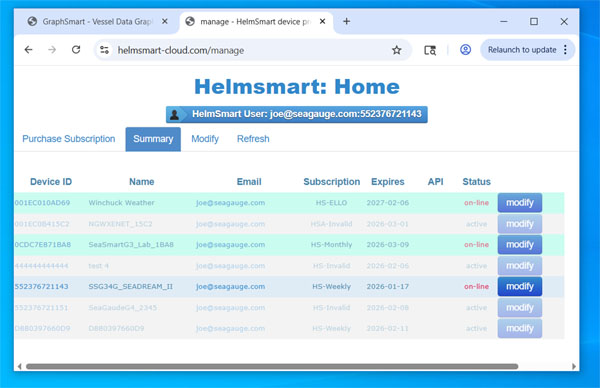
Select the PURCHASE SUBSCRIPTION tab to update you device plan and choose one of three options
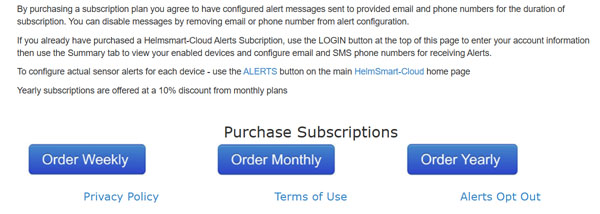
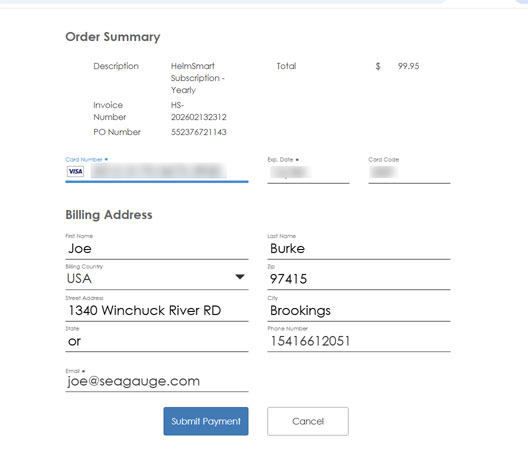
Complete the payment authorization details and SUBMIT PAYMENT to enable your plan
The PO NUMBER should refer to the selected Device ID
The supplied email and phone will be used for any enabled alert messages
These values can be modified later in the management console
Any subscription plan can not be refunded or transferred once billing has been completed
Any questions please contact:
copyright 2026